SEO
Local SEO: how to get your business on Google Maps
When people search for a service nearby, Google shows a map and three businesses first. Here is how Google picks them, and seven steps to get your business there.
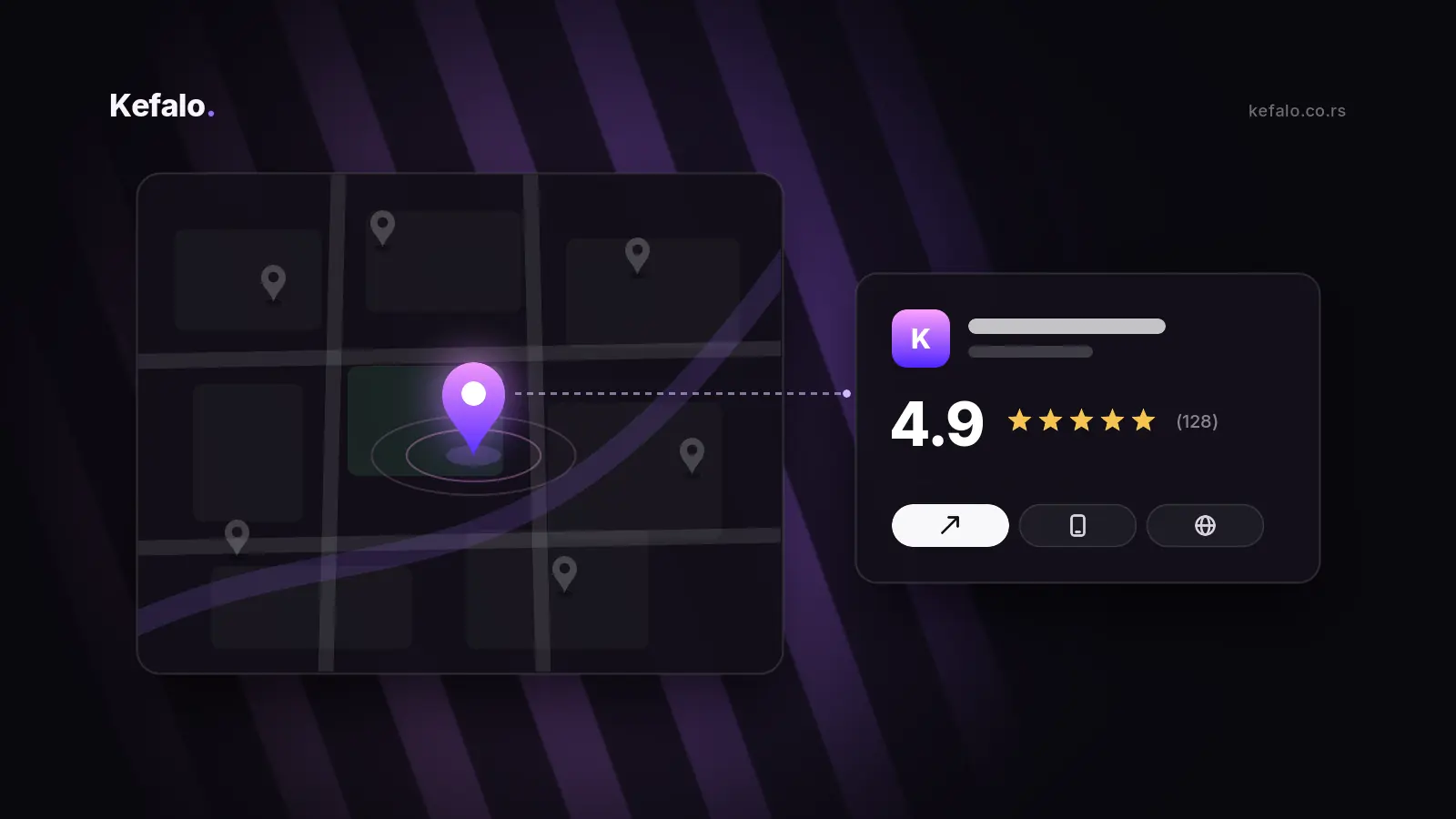
When someone searches for "dentist near me", "car service Novi Sad" or "best pizza in town", Google rarely starts with a list of websites. It starts with a map and three businesses underneath it. Those three spots, often called the local pack, get a huge share of the calls, direction requests and visits. If your business is not there, many potential customers will never scroll far enough to find you.
The good news is that local search is one of the fairest playing fields in online marketing. A small local business with a well-managed profile can outrank much bigger competitors. In this article we explain how Google decides who appears on the map and what you can do, step by step, to get there.
How Google decides who shows up on the map
Google is unusually open about this. According to its own documentation, local results are based mainly on three factors:
- Relevance – how well your business profile matches what the person is searching for.
- Distance – how far your business is from the searcher, or from the location they mentioned in the search.
- Prominence – how well known and trusted your business is, based on reviews, links, mentions across the web and your overall online presence.
You cannot change where your customers are standing, but you have a lot of control over relevance and prominence. That is where local SEO comes in.
Step 1: Claim and verify your Google Business Profile
Everything starts with a Google Business Profile (formerly Google My Business). It is free, and it is the information Google shows on Maps and in the local pack. Search for your business on Google Maps first: there is a good chance a profile already exists, created automatically or by a customer. If so, claim it. If not, create a new one.
Google will ask you to verify that you really run the business, usually by video, phone or post. Until the profile is verified, many of the features below will not be available, so do this first.
Step 2: Fill in every detail, carefully
An incomplete profile is one of the most common reasons businesses do not appear. Take the time to complete everything:
- Primary category. This is one of the most important choices you will make. Choose the category that describes your core business as precisely as possible, for example "Dental clinic" rather than just "Health".
- Additional categories for other services you genuinely offer.
- Accurate address or service area. If you visit customers instead of receiving them, set a service area and hide the address.
- Opening hours, including special hours for holidays. Nothing loses trust faster than a customer arriving at a closed door.
- Phone number and website, ideally linking to the most relevant page, not just the homepage.
- Services or products with short descriptions, and a clear business description written for people, not for search engines.
Step 3: Add real photos, and keep adding them
Photos help people decide before they ever call you. Add photos of the outside of your business so it is easy to find, the interior, your team, your work and your products. Real photos beat stock images every time. Adding new ones regularly also shows both customers and Google that the business is active.
Step 4: Make reviews part of your routine
Reviews influence both your visibility and the decision of the person reading them. A business with many recent, detailed reviews looks alive and trustworthy. A few practical rules:
- Ask every satisfied customer. Most happy customers are willing to leave a review. They simply need to be asked at the right moment.
- Make it easy. Use the short review link from your profile, send it by e-mail or message, or print it as a QR code at the counter.
- Reply to every review, positive and negative. A calm, professional answer to a bad review often makes a better impression than the review itself.
- Never buy or fake reviews, and do not offer discounts in exchange for them. It is against Google's policies, and profiles can be penalised or suspended for it.
Step 5: Keep your details consistent everywhere
Google cross-checks your business information across the web. Your name, address and phone number, often abbreviated as NAP, should be exactly the same on your website, your Business Profile, social media, local directories and industry portals. Different phone numbers, an old address or slightly different business names create doubt about which information is correct.
Make a short list of every place your business is listed and update them all whenever something changes.
Step 6: Let your website support your profile
Your Business Profile and your website work together. A strong website makes your profile more relevant and more trustworthy:
- Show your address, phone number and working hours clearly, for example in the footer and on the contact page.
- Create a dedicated page for each location or for each key service you offer in your area.
- Embed a Google map on your contact page.
- Add LocalBusiness structured data, a small piece of code that tells search engines your business details in a format they understand perfectly.
- Make sure the site is fast and easy to use on a phone. Most local searches happen on mobile, often on the go. We explained why this matters in why website speed decides whether you get the client.
- If you serve customers in several languages, offer your content in those languages too.
Step 7: Stay active
A profile that was set up once and then forgotten slowly loses ground. Use updates and offers in your Business Profile to share news, new services, seasonal promotions or recent projects. Keep your hours current, answer messages quickly and add new photos from time to time. Small, regular activity adds up.
How to measure results
Your Google Business Profile has its own performance overview, showing how many people found you, and how many called, requested directions or visited your website. Those numbers tell you much more about real business results than rankings alone.
One useful trick: add tracking parameters to the website link in your profile, for example ?utm_source=google&utm_medium=organic&utm_campaign=business_profile. That way, visits from your profile appear as a separate source in your website statistics, and you can see exactly how much traffic the map brings.
Common mistakes to avoid
- Stuffing keywords into the business name, for example "Kefalo – Best Web Design Agency Novi Sad". It breaks Google's guidelines and can get the profile suspended. Use your real business name.
- Using a virtual office or P.O. box as an address. Google expects a real location where customers can be served, or a service area.
- Creating duplicate profiles for the same location. They compete with each other and confuse customers.
- Ignoring reviews, especially negative ones.
- Outdated information: old phone numbers, wrong hours or a website link that no longer works.
How we help local businesses at Kefalo
We combine the profile, the website and the marketing around it. That means setting up and optimising your Google Business Profile, making sure your website supports it with clear local pages, structured data and fast mobile performance, and building a simple routine for reviews and updates that your team can keep up. If you also run ads, we connect everything so you can see which channel brings real customers. You can read more about our marketing services.
Local customers are already searching for what you offer. Local SEO makes sure they find you first.
Conclusion
Appearing on Google Maps is not luck. It is the result of a complete profile, consistent information, real reviews and a website that supports all of it. None of these steps is complicated on its own, but together they make a big difference, especially for businesses whose customers come from the same city or region.
Want to know how your business currently appears in local search and what to improve first? Get in touch and we will review your Google Business Profile and website and send you a short list of the most important next steps.